 Skip to content

Blog
Discover our WooCommerce & WordPress Tips & Tricks.
-
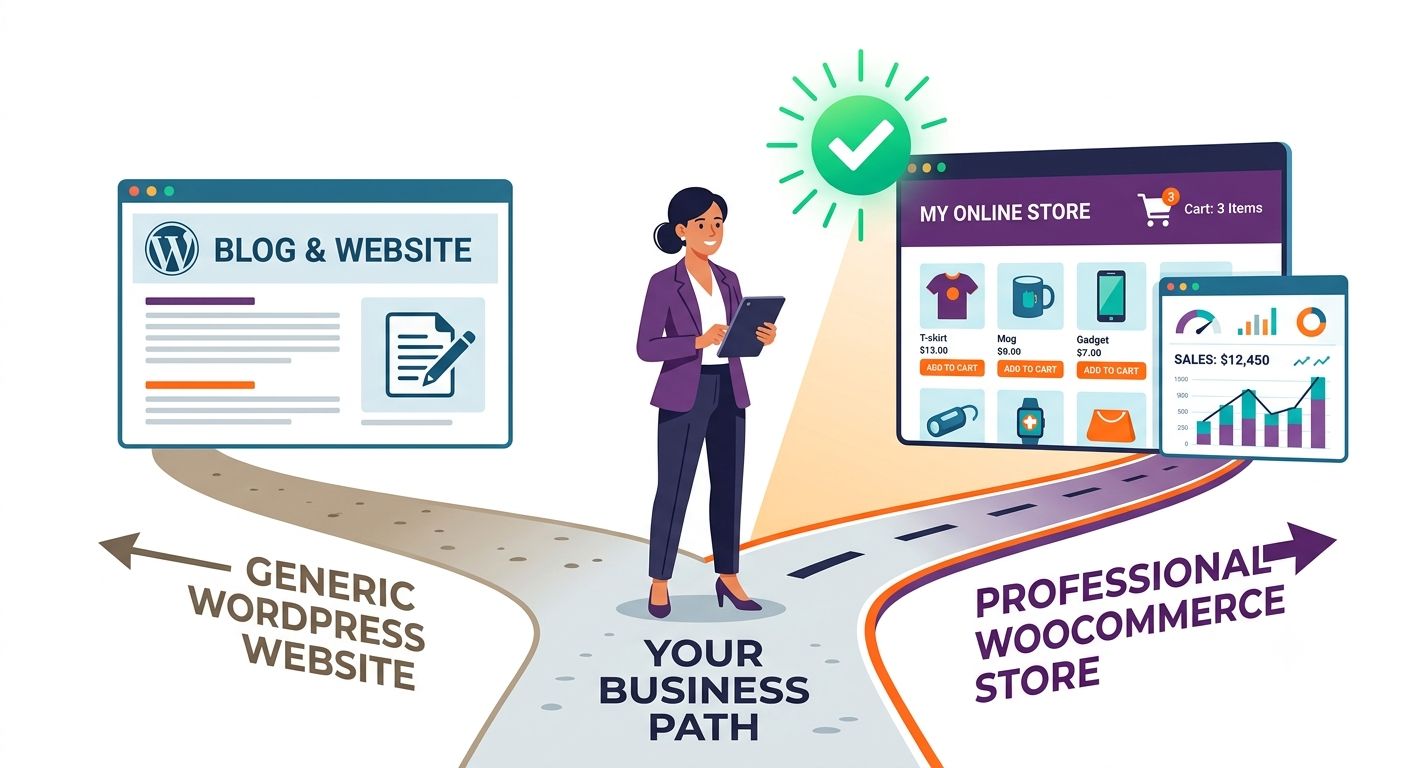
How to Choose a WooCommerce Development Agency in 2026: An Honest Buyer’s Guide
WooCommerce is a powerful platform with a vast ecosystem built around it. That brings clear advantages – but also a few challenges. In particular, there are so many WooCommerce professionals, agencies, and freelancers out there that it can be difficult to know who to choose or whether they’ll actually deliver a good result. If that’s…
-
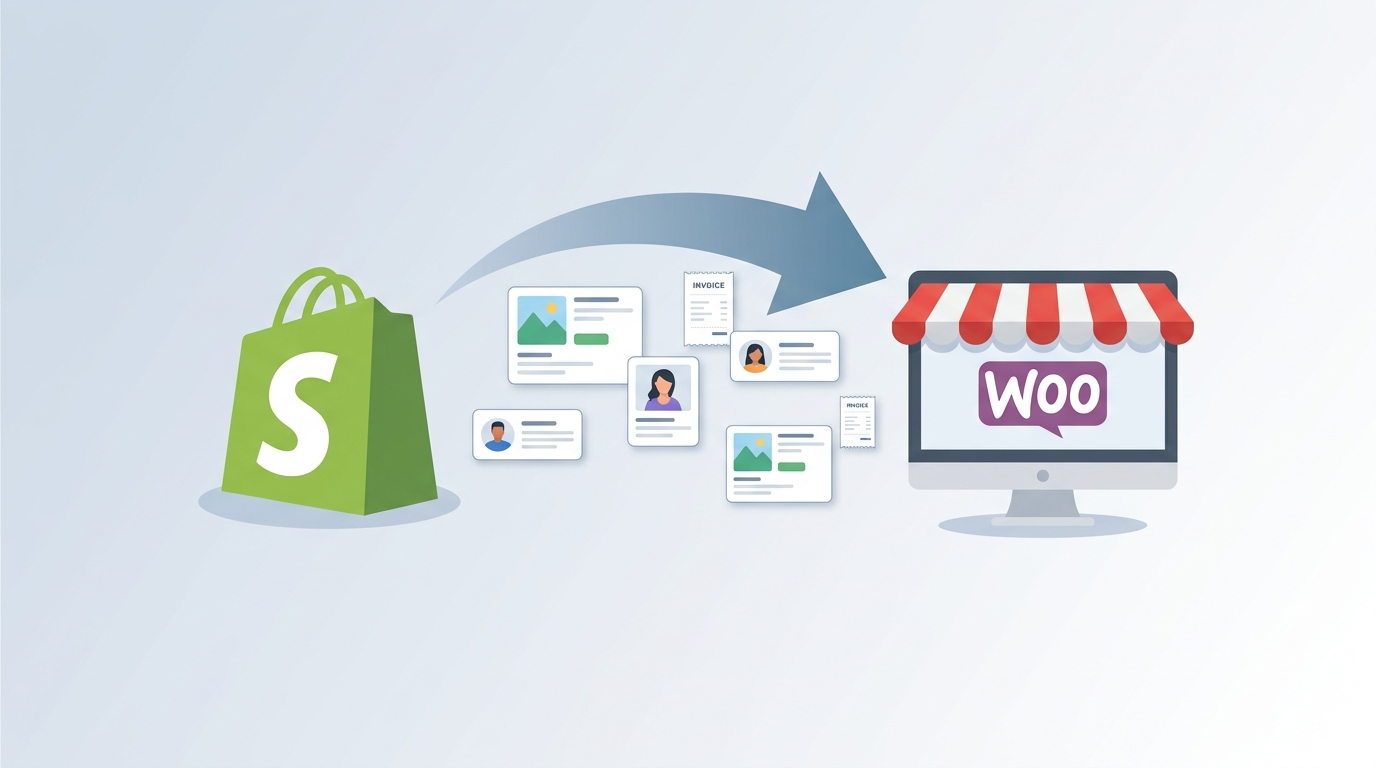
How to Migrate from Shopify to WooCommerce (2026): A Complete Step-by-Step Guide
How to Migrate from Shopify to WooCommerce (2026): A Complete Step-by-Step Guide A practical, fact-checked walkthrough of moving your store from Shopify to WooCommerce — what to migrate, what won’t migrate, how to preserve your SEO, and the exact order of steps to follow. Key Takeaways Who this guide is for (and who should hire…
-
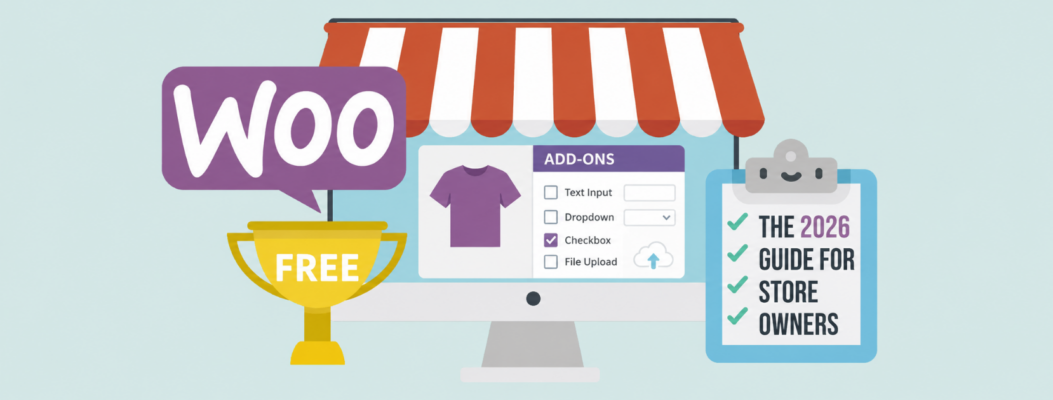
WooCommerce Product Addons Free: The 2026 Guide for Store Owners
If your customers need engraving, gift notes, delivery dates, file uploads, or optional services, standard WooCommerce products may not be enough. This guide explains how to use WooCommerce product addons free options in 2026, where free plugins work well, and when a custom solution becomes the smarter investment. Key Takeaways What Are WooCommerce Product Add…
Featured Posts
-

Expert Pick: The Best Shipping Plugin for WooCommerce in 2024
You’ve built your WooCommerce store and now you need a plugin so customers can choose a shipping option at checkout. But, which one is the best shipping plugin for WooCommerce? Truthfully, there’s no one-size-fits-all solution because the best option is the one that has rates your customers are happy with and that will ship to…
-
4+ Top WooCommerce Multisite Inventory Sync WordPress Plugins
Running several online stores is exciting. But, it’s also a big job, especially when you realize you need to synchronise those stores’ inventory. The good news is, there are WooCommerce Multisite inventory sync plugins and options to speed things along. WooCommerce Multisite networks let you seamlessly house all your online stores under one roof where…
-
WooCommerce Extend: Comprehensive Guide to Developing Custom Extensions and Enhancing Your WooCommerce Store
WooCommerce is a powerful and flexible eCommerce platform for WordPress, widely used to create online stores. To fully leverage WooCommerce’s capabilities and tailor your store to specific business needs, extending WooCommerce through custom plugins and modifications is essential. This comprehensive guide will walk you through practical methods, best practices, and advanced techniques to extend WooCommerce,…
-

Download WooCommerce: Technical Guide for Developers and Store Owners
What Is WooCommerce? WooCommerce is an open-source ecommerce plugin for WordPress, maintained by Woo (a subsidiary of Automattic) and a global community of contributors. It transforms any WordPress site into a customizable online store capable of selling physical products, digital downloads, subscriptions, and bookings. The core platform is free (GPLv2+ licensed). You pay only for…
-

WooCommerce Customer Service: How to Build, Integrate, and Scale Support for Your Store
Running a WooCommerce store successfully goes beyond listing products and processing orders. At scale, customer service becomes a critical differentiator—directly impacting retention, lifetime value, and operational efficiency. According to Microsoft’s State of Global Customer Service report: What is WooCommerce Customer Service? WooCommerce customer service is the support and assistance provided to shoppers throughout their buying…
-

WooCommerce Membership: Complete Guide to Building a Members-Only Store
What Is WooCommerce Membership & Why It Matters in 2026 WooCommerce Memberships lets you restrict content and products so only members can access them. Instead of checkout being the final step, membership makes it the gateway to ongoing benefits. In 2026, with rising acquisition costs and the growing value of first-party data, membership models give…
-

WordPress Unit Testing: Complete Guide for Plugin and Theme Developers
Introduction WordPress unit testing provides developers with automated verification of code functionality through PHPUnit, enabling faster debugging, improved code quality, and more maintainable WordPress projects.. Unit tests in WordPress verify individual units of code in isolation, catching bugs before they reach production environments while serving as documentation for expected behavior. For plugin developers, this is…
-

Klaviyo for WooCommerce: Complete Guide to Email Marketing Integration
Over 15,000 Klaviyo‑for‑WooCommerce merchants currently use the integration.They are not simply sending generic email blasts or hoping customers return on their own. Instead, they leverage the integration to run personalized, data‑driven marketing campaigns. Many report high ROI—sometimes exceeding 40×, depending on strategy and list size. (Klaviyo’s own material claims “up to 46×” for WooCommerce merchants) If you…
-
Master WooCommerce Tutorial: A Step-by-Step Guide to Launch Your Online Store
Need a WooCommerce tutorial to launch your online store? You’re in the right place. This guide will walk you through each essential step—from installing WooCommerce to customizing your shop—so you can start selling online quickly and efficiently. Key Takeaways Setting Up WooCommerce on Your WordPress Site Starting your journey with WooCommerce is like setting the…
-

WooCommerce Website Hosting: Complete Guide to Choosing the Best Woo Hosting in 2025
Introduction: What is WooCommerce Website Hosting and Why It Matters WooCommerce website hosting is specialized web hosting designed specifically for WooCommerce-powered online stores, providing optimized infrastructure to ensure fast loading times, secure transactions, and reliable uptime for ecommerce success. Unlike generic WordPress hosting, WooCommerce hosting addresses the unique demands of ecommerce: handling product catalogs, processing…
-
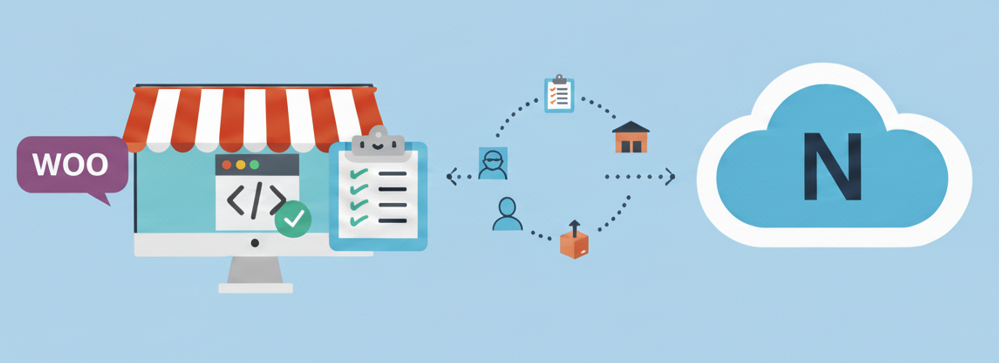
Key Features of the WooCommerce NetSuite Integration Plugin
The official WooCommerce NetSuite Integration plugin is a dedicated app designed to connect your WooCommerce store with your NetSuite account seamlessly. It automates critical business processes, including order processing, inventory management, and customer data synchronization, saving you time and reducing errors. Learn more about top ERP integration options here. Key functionalities include: This plugin is…