Skip to content

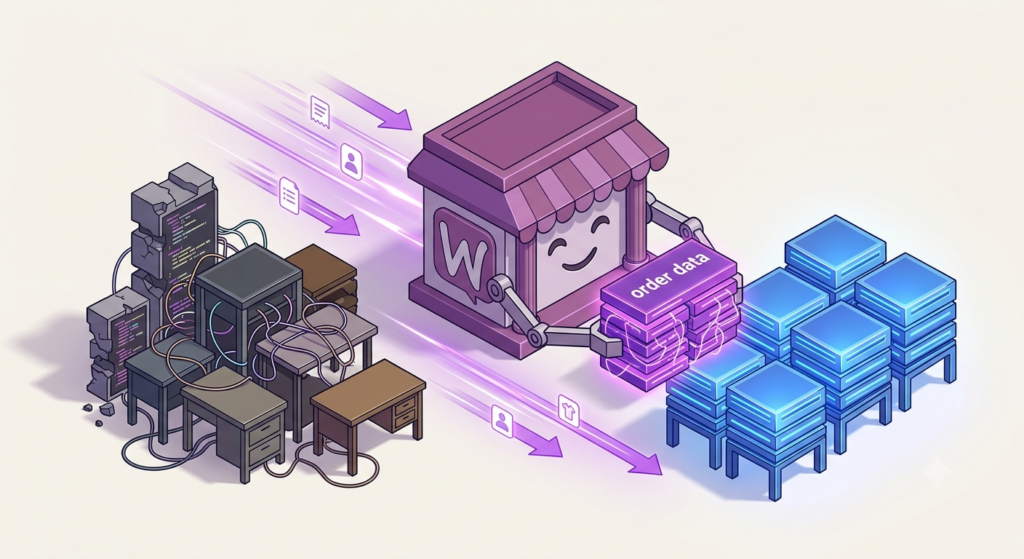
WooCommerce stopped creating new stores on legacy order storage when HPOS became the default in version 8.2, released October 2023. Yet in 2026 we still audit stores running the old wp_posts-based order tables — stores the ecosystem stopped building for. We migrated Mighty Kids, a UK DTC supplements brand with thousands of active subscriptions, off legacy order storage with zero downtime: order processing fell from 6 seconds to 2.1 seconds per order, and order-operations queries from 1.8 seconds to 0.4. This is the playbook we used, including the parts the official docs don’t tell you.
Key Takeaways
- HPOS is WooCommerce’s modern order storage system, default for new stores since WooCommerce 8.2 (October 2023); legacy tables remain supported as of August 2026, but all new performance and feature work targets HPOS.
- The data switch is the low-risk part. The compatibility surface — plugins, themes, and custom SQL that touch order tables — is where stores actually get hurt.
- In the Mighty Kids migration, Progressus cut order-operations database queries 4.5× (1.8s → 0.4s) and order processing 3× (6s → 2.1s per order), with zero downtime.
- HPOS fixes order operations only. It does not fix slow checkout, product-table bloat, or hosting; scope the expected benefit accordingly.
- The playbook: build a compatibility gate, back up, enable sync, verify parity, cut over, and disable sync only after a clean monitoring window.
- Once sync is disabled, legacy and HPOS tables diverge; switching back means running the migration in reverse.
Legacy order storage in 2026: what “still on legacy” means
HPOS (High-Performance Order Storage) is WooCommerce’s modern order storage system, storing orders in dedicated custom tables (wp_wc_orders, wp_wc_order_addresses, wp_wc_order_operational_data, wp_wc_orders_meta) instead of as shop_order posts in wp_posts and wp_postmeta.
HPOS shipped as opt-in in WooCommerce 7.1 (early 2023) and became the default data store for new installs in WooCommerce 8.2 (October 2023), per the WooCommerce developer documentation. Two consequences follow. First, any store created since late 2023 is already on HPOS — the stores still on legacy today are, by definition, older stores installed before October 2023, with years of accumulated plugin history, custom code, and integrations. Second, legacy storage is a maintenance path, not a development path: per the WooCommerce HPOS documentation, the legacy data store remains an opt-in option, but the roadmap, performance work, and new features all assume HPOS.
As of August 2026 there is no announced removal date for legacy tables — WooCommerce’s own documentation still describes the feature as “completely opt-in,” and you can switch to it anytime. Do not plan around a cliff; plan around neglect. Plugin and theme authors no longer test legacy paths with the same rigor, the compatibility indicators in your plugin list are driven by an explicit declaration from each plugin, and the underlying requirements keep moving: WooCommerce 10.8, current in 2026, requires PHP 8.3 or newer. Every month on legacy tables is a month of code written against a storage system nobody is investing in.
If you’re still at the “why does this matter” stage, our HPOS explainer covers how the two storage systems compare. This article is for the stores that already know and are still postponing.
The thesis: the risk is compatibility, not the switch
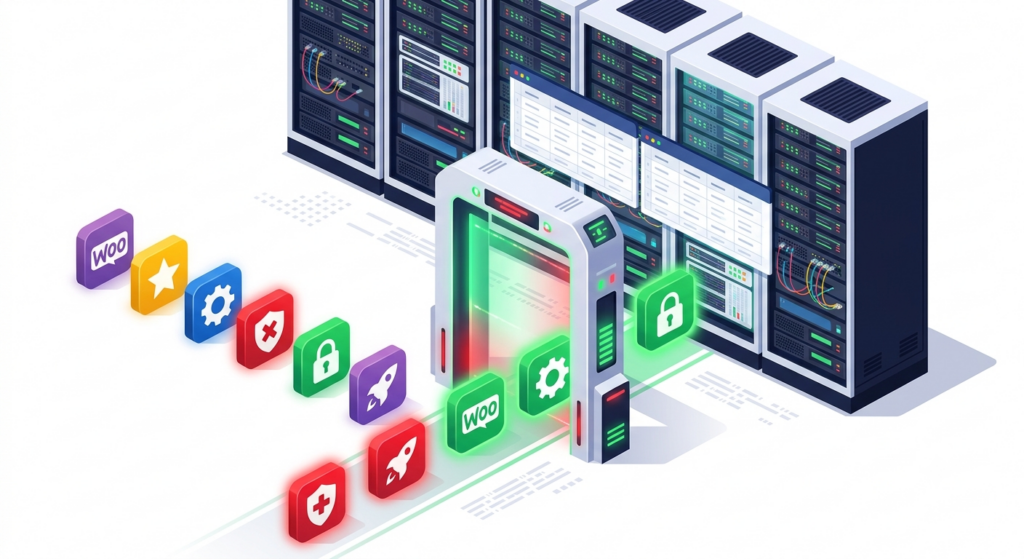
Most HPOS “migration horror stories” in forums are not migration failures. The data copy itself is well-trodden. They are compatibility failures — a plugin or snippet that quietly stopped working because it read order data from tables that are no longer the source of truth.
The breakage classes we see most often, in order of frequency:
- Plugins that never declare compatibility via
FeaturesUtil::declare_compatibility(). - Custom SQL against
wp_posts/wp_postmetafor order lookups, reports, or exports. - Integration jobs (ERP, fulfillment, loyalty, email) that query legacy tables directly.
- Themes with custom order queries in dashboards, account pages, or “recent orders” widgets.
This is not a theoretical risk. The WooCommerce HPOS extension recipe book states the failure mode plainly: directly reading the WordPress tables “may mean reading an outdated order, and directly writing to these tables may mean updating an order that will not be read.” And compatibility is an ongoing workload even at core scale — in our engagement maintaining 18 official WooCommerce shipping extensions for Automattic, more than 50 of the 250+ issues we resolved were compatibility fixes.
The declaration that makes a plugin visible in the audit is a few lines of PHP in its main file:
add_action( 'before_woocommerce_init', function () {
    if ( class_exists( \Automattic\WooCommerce\Utilities\FeaturesUtil::class ) ) {
        \Automattic\WooCommerce\Utilities\FeaturesUtil::declare_compatibility(
            'custom_order_tables',
            __FILE__,
            true
        );
    }
} );
One honest caveat: a declaration is a promise, not a test. The badge appears because the plugin claims compatibility, and WooCommerce will block the HPOS switch entirely while it detects incompatible plugins. That is why the playbook below tests everything anyway. (If you maintain extensions yourself, the full HPOS-first ruleset is in our WooCommerce Extend guide — but for this migration, the audit matters more than the declaration.)
The three failure modes we see in real audits
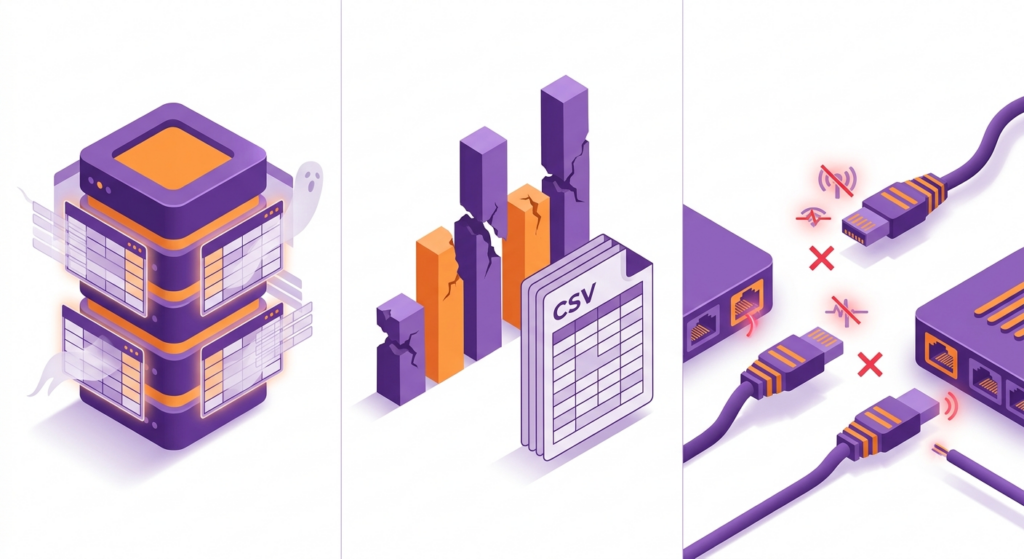
Across the migrations we’ve run, problems land in three predictable buckets. Knowing them tells you what to look for in every step below.
Silent write loss. A plugin updates order status or meta by writing to wp_posts / wp_postmeta directly. On legacy storage this worked; on HPOS those writes land in tables the store no longer reads. Nothing errors. Orders look right in the database, and wrong in the admin. This is the scariest failure mode because it is invisible until a customer calls.
// Legacy pattern that breaks after cutover — writes a status the store never reads
$wpdb->update( $wpdb->posts,
    [ 'post_status' => 'wc-completed' ],
    [ 'ID' => $order_id, 'post_type' => 'shop_order' ]
);

// HPOS-safe equivalent — the order object reads and writes the active data store
$order = wc_get_order( $order_id );
$order->set_status( 'completed' );
$order->save();
Report and export breakage. Custom reports and CSV exports that join posts and postmeta return empty or partial rows after cutover. The store’s analytics quietly lose history. Caught only if you run every export as part of the regression test.
Status and webhook drift. Status changes made through the direct-write path never trigger WooCommerce hooks, so webhooks never fire. The ERP never learns an order was completed; the fulfillment service never picks it up; the email never sends. The order sits there, technically correct in the legacy tables, operationally dead.
All three are caught by the same tooling — the audit in Step 1 and the real-traffic monitoring week in Step 5. None of them are caught by clicking “Enable HPOS” and watching for a red screen.
The 2026 playbook

This is the sequence we run on every migration, from a 5,000-order boutique to a seven-figure store with ERP sync. The order matters: each step gates the next. It is the same shape whether you run it yourself or hire it out — the difference is whether the compatibility gate gets built properly.
Step 0: Decide with the matrix, not with hope
| Store profile | Verdict | Why |
|---|---|---|
| Small catalog, under ~50k orders, ≤20 plugins, no custom SQL | Migrate this quarter | Backfill runs in minutes; compatibility surface is small |
| 100k+ orders, ERP or fulfillment integrations, subscriptions, years of custom code | Schedule a 4–8 week project | The compatibility gate is the work; the switch is the easy part |
| Custom code reads or writes order tables directly | Fix first, then migrate | HPOS will not see writes to legacy tables — silent data loss |
| Plugins without a FeaturesUtil declaration | Gate the migration on plugin updates | An undeclared plugin is an untested plugin |
| Store installed after October 2023 | Nothing to do | Already on HPOS |
The honest “hold” case: if you are replatforming within six months, skip the migration and let the next platform inherit the problem. For everyone else, the matrix says move — and the matrix, not the calendar, is the schedule.
Step 1: Build the compatibility gate
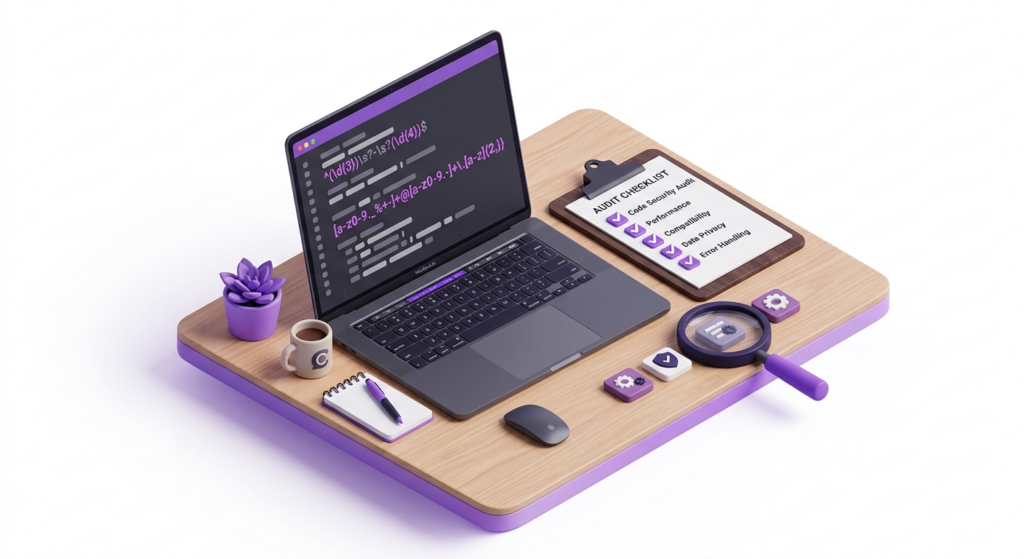
- Open your Plugins screen and note the compatibility indicators. WooCommerce marks extensions that declare HPOS support and warns on the ones that declare they don’t; it also blocks the HPOS switch while incompatible plugins are active.
- Audit every custom plugin and your theme for direct order-table access. The recipe book publishes an audit regex covering
wpdb,get_post*,get_post_meta,wp_insert_post,shop_order, and more — run it and triage the matches: - List every external system that reads order data — ERP, fulfillment, email marketing, loyalty — and ask each vendor which tables their integration queries.
- Clone production (not a sample) to staging, enable HPOS there, and run a full regression: place an order, refund it, fulfill it, trigger every integration job.
# The official audit regex, trimmed for shell use
rg -n "wpdb|get_post|get_post_meta|get_posts|wp_insert_post|update_post_meta|wp_update_post|shop_order" \
  wp-content/plugins/custom-* wp-content/themes
If a plugin fails in step 4, you have a fixable problem and a vendor conversation. If it fails after cutover, you have an incident.
Step 2: Back up, then stage properly
- Run
wp db exportbefore anything else, plus a full file backup, and keep both off-server. - Staging must be a clone of the production database, not a subset. A partial database makes parity verification meaningless.
- If your site shows the “WooCommerce database update required” notice, resolve that first — a pending schema update is a migration prerequisite, not a footnote. Our guide to that notice covers the safe path, including the WP-CLI route for large stores.
Step 3: Enable HPOS with sync and let the backfill run
Enabling HPOS with compatibility mode starts a background sync between the legacy and new tables, processed through scheduled actions (Action Scheduler) in batches of 25 orders per action. On small stores this finishes in minutes; on large stores, run it off-peak and watch the queue at WooCommerce → Status → Scheduled Actions.
# On staging first, then on production at low-traffic time
wp db export /backups/orders-$DATE.sql
wp wc hpos status          # current data store, sync state, unsynced orders
wp wc hpos enable --with-sync   # enables HPOS AND compatibility mode (sync)
The --with-sync flag matters. wp wc hpos enable alone switches the data store without turning on synchronization; the migration is only safe when both stores stay current, and WooCommerce itself refuses to switch the authoritative tables while orders are pending sync. With sync on, nothing is destroyed yet and reverting is instant.
Step 4: Verify parity before you trust anything
wp wc hpos status                # "Unsynced orders" should drop to zero
wp wc hpos count_unmigrated      # direct count of orders pending sync
wp wc hpos verify_data           # checks every order across both datastores
wp wc hpos diff <order_id>       # per-order diff when something mismatches
Optionally cross-check row counts directly:
-- Illustrative parity check between legacy and HPOS order tables
SELECT COUNT(*) FROM wp_posts WHERE post_type IN ('shop_order','shop_order_refund');
SELECT COUNT(*) FROM wp_wc_orders;
Then the human check: open five recent orders end-to-end — status, billing and shipping addresses, meta, refunds — and confirm nothing looks different from the legacy view. A parity table keeps the verification honest:
| Check | How to run it | Pass criteria |
|---|---|---|
| Table parity | wp wc hpos status + wp wc hpos count_unmigrated | Unsynced orders at zero |
| Data integrity | wp wc hpos verify_data | No order fails verification |
| Recent orders | Open the last 20 orders in the admin | Statuses, totals, addresses identical to the legacy view |
| Refund flow | Process a full and a partial refund on staging | Both stores reflect identical totals |
| Subscription renewals | Let a scheduled renewal fire | Renewal order created; status and meta intact |
| Integration jobs | Trigger every ERP, fulfillment, and email job | No missing-order errors; payloads identical to pre-migration |
Step 5: Cut over under controlled conditions
Flip the data store (the Order data storage setting under WooCommerce → Settings → Advanced → Features, or the WP-CLI command) at a low-traffic time. With compatibility mode on, both stores stay current, so a bad week means switching back instantly — the official guidance recommends keeping compatibility mode on for exactly this reason. Keep it on for at least one full week of real orders: refunds, subscription renewals, ERP pulls, payment webhooks.
Step 6: Disable sync — the point of no return
Only when the monitoring week is clean, disable compatibility mode. From that moment the two table sets diverge; switching back means re-enabling sync and running the migration in reverse, so treat this as the point of no return. We keep legacy tables in place for months after cutover — storage is cheap and history is not — and clean them up only when the store has run a full reporting cycle without issues, using the built-in tool at WooCommerce → Status → Tools (“Clean up order data from legacy tables”) or wp wc hpos cleanup.
What we measured: the Mighty Kids migration
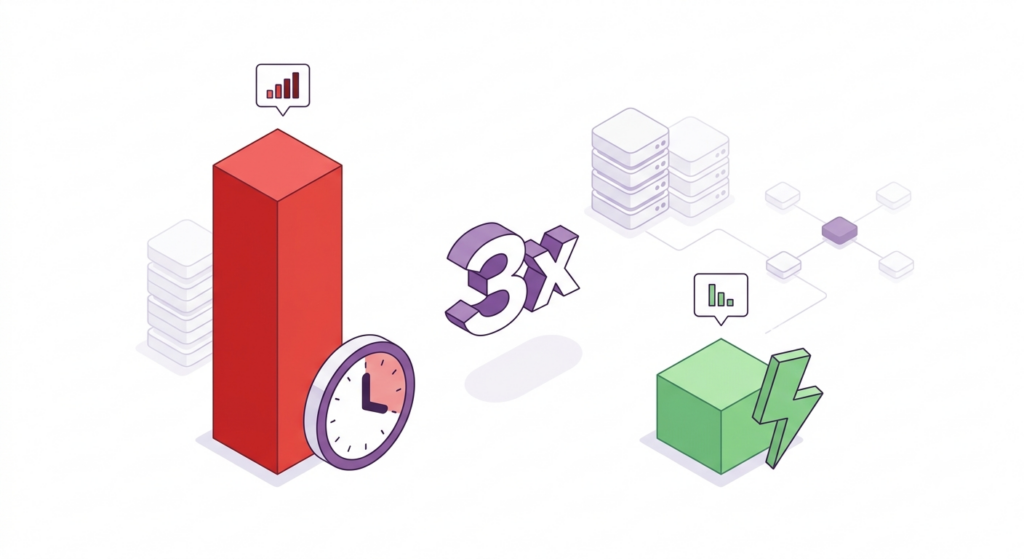
The Mighty Kids store ran legacy order storage with thousands of active subscriptions and a growing order base — the matrix profile that says “schedule a project.” We benchmarked order operations on the production database before and after the migration, in the same hosting and PHP environment, and the results are published in the Mighty Kids case study:
- Database queries for order operations: 4.5× faster — 1.8s → 0.4s.
- Order processing: 3× faster — 6s → 2.1s per order.
- Cutover: zero downtime — no maintenance window, no checkout pause.
- Afterwards: every new plugin verified HPOS- and Subscriptions-compatible, with the store’s hosting moved to BigScoots as part of the wider engagement.
“They made some very complex migrations to higher performance systems, developed several new features to improve our UX and support our internal operations, and swiftly dealt with any signs of trouble as they arose.”
James, Mighty Kids
The honest caveat: not every store will see 3×. The gain scales with how order-heavy the workload is and how degraded the legacy tables were. A store processing 5,000 orders a year will see milliseconds per operation; a subscription business processing thousands of orders a month gets seconds back on every order — and seconds per order compound into minutes per week of batch processing. That is the shape of the HPOS benefit: it lands exactly where order volume lives.
What HPOS does not fix
- Checkout speed. Cart and checkout are separate systems from order storage. A slow checkout is a front-end and hosting problem, not an HPOS one.
- Product-table bloat. Products stay in
wp_posts/wp_postmeta. Bloated product queries do not improve because orders moved. - Orphaned meta. Years of accumulated legacy order meta do not self-clean; that is a separate data hygiene project.
HPOS fixes order operations: lookups, status changes, refunds, exports, and the database work behind them. Measure the migration against that, and the numbers will be honest.
The cost of waiting
Each year of delay compounds in one place: the volume of code written against a storage system the ecosystem is abandoning. Every new plugin must be audited HPOS-first, and every integration designed with HPOS-aware data access — our enterprise integration methodology treats HPOS compatibility as a design constraint, not a checkbox. The plugin ecosystem keeps shipping compatibility fixes (50+ in our Automattic engagement alone), the database update pipeline keeps changing, and the list of stores still assuming shop_order only grows as the vendors around them move on.
The button is easy. The project is the store — and the store only gets more complex while you wait.
Frequently Asked Questions
Is it too late to migrate to HPOS in 2026?
No. As of August 2026, WooCommerce still supports legacy order tables, and migrations from legacy storage are routine work for us. The risk is not a cutoff date; it is the compounding cost of running on a storage path the ecosystem stopped investing in.
When will WooCommerce remove legacy order tables?
WooCommerce has not announced a firm removal date as of August 2026; its documentation still describes legacy storage as an opt-in option you can switch to anytime. Plan for gradually declining support rather than a hard cliff — and treat plugin compatibility as the actual deadline.
How long does an HPOS migration take?
A small store with a clean plugin set: hours, mostly the backfill and verification. An enterprise profile — large order volume, ERP integrations, subscriptions, custom code — typically runs 4–8 weeks, because the compatibility gate, not the switch, is the work.
Can I roll back after switching to HPOS?
Yes, while compatibility mode is on — reverting to the posts data store is instant, which is why the official guidance recommends keeping sync on for a while. Once sync is disabled, the two table sets diverge and switching back means re-running the migration in reverse; a backup restore remains the safety net.
Does HPOS make my whole store faster?
No. HPOS speeds up order operations — lookups, status changes, refunds, exports. In the Mighty Kids migration, order-operations queries went from 1.8s to 0.4s and order processing from 6s to 2.1s, but checkout, product queries, and cart performance are separate systems.
Which plugins break during HPOS migration?
The ones that never declared compatibility via FeaturesUtil::declare_compatibility(), and any custom code that queries wp_posts / wp_postmeta for orders. WooCommerce blocks the HPOS switch while incompatible plugins are active, and the recipe-book audit plus a staged regression test catch the rest before cutover.
Will my order IDs and order numbers change?
No. Order IDs are preserved — HPOS requires matching IDs across both data stores. What changes is the admin URL structure: orders move from the WordPress post editor to WooCommerce’s dedicated orders screens.
Is WooCommerce Subscriptions compatible with HPOS?
Yes. WooCommerce Subscriptions declared HPOS compatibility in version 4.9.0, announced on the WooCommerce developer blog, and current versions remain compatible — which matters, because subscription renewals are exactly the order-heavy workload HPOS is built for. Mighty Kids ran thousands of active subscriptions on HPOS after migrating. Verify your installed version’s declaration as with any plugin.
Do I need WP-CLI to migrate?
Not for small stores — the admin settings and scheduled-action backfill work fine. For stores with 100k+ orders, WP-CLI is the practical tool, because the backfill and verification stay clear of browser-timeout territory.