Skip to content


Updated: July 20, 2026.
Managing multiple online stores at once can be a real hassle. But, that’s when a WooCommerce Multisite installation is the best fit.
It’s a bundle of software you can install on a web server. With it, you can manage all your stores under one dashboard.
While by default each store in the network runs independently, you can synchronise features like orders, products, inventory, the shopping cart and user accounts.
That way, customers can shop your entire network of stores without having to check out multiple times.
Today, I’ll share your options for how to get a WooCommerce Multisite order sync feature along with other similar syncing features for your WordPress network of online stores.
What’s WooCommerce Multisite Got to Do With It?
As previously touched upon, WooCommerce Multisite is designed to manage multiple online stores under one roof.
It all starts by installing a free, self-hosted copy of WordPress on your web hosting. Then, manually enable Multisite and install, then configure the WooCommerce plugin.
Multisite turns WordPress into a network of sites. Adding WooCommerce into the mix turns that network into a network of online stores.
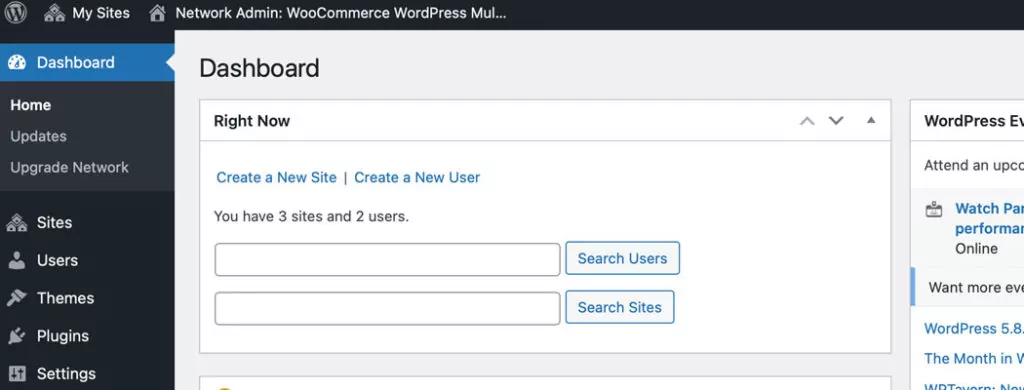
There are so many other specific-use cases of when a WooCommerce Multisite network would be the way to go for your business.
While it’s beyond the scope of this article, you can check out the following resources for almost everything you need to know about it:
- WordPress Multisite and WooCommerce Multisite: An Overview
- How to Set Up and Update WordPress WooCommerce Multisite Networks
- What is WooCommerce and Other Burning Questions Answered
- What is eCommerce and Why You Should Open an Online Store
- 3 Common WooCommerce Questions You Were Too Afraid to Ask
WooCommerce Multisite Order Sync: The “When” and “Why”
WooCommerce Multisite networks are helpful because you can manage as many online stores as you want. You can access them all through one admin dashboard. But, since each site works separately from all the other sites, managing them all can get unwieldy at a certain point.
For example, when you want flagship products or services being sold on multiple shops in your network, it doesn’t make sense to have the stores run independently from each other.
Other examples include wanting to sync stock, checkouts and accounts.
If you also want to manage orders all in one area without having to access all your stores, one-by-one, then you need a WooCommerce Multisite order sync feature.
Syncing practical elements of your network’s stores increases efficiency if you need to be able to cross-promote products, services or similar situations.
How to Get a WooCommerce Multisite Order Sync Feature
If you have read this far, you probably know a WooCommerce Multisite order sync feature is what you need.
Fortunately, there are two main ways you can add it to your site: with a plugin or by coding your own custom plugin.
Below are the best options for enabling a WooCommerce Multisite order sync capability in your network. Details on coding your own plugin are covered later on.
Most of them include multiple features that you may also need. In which case, it’s the best fit as installing fewer plugins helps reduce the overall cost of resources to run your site.
If you only need a WooCommerce order sync capability, then coding your own plugin may be the way to go. That is, if none of the options below are a suitable fit.
Important note on HPOS: Since WooCommerce 8.2 (October 2023), High-Performance Order Storage (HPOS) is enabled by default for new stores. HPOS moves order data from WordPress posts tables into dedicated, optimized database tables. Any order sync plugin you choose must explicitly support HPOS to work correctly with modern WooCommerce installations.
1. Woo Multistore
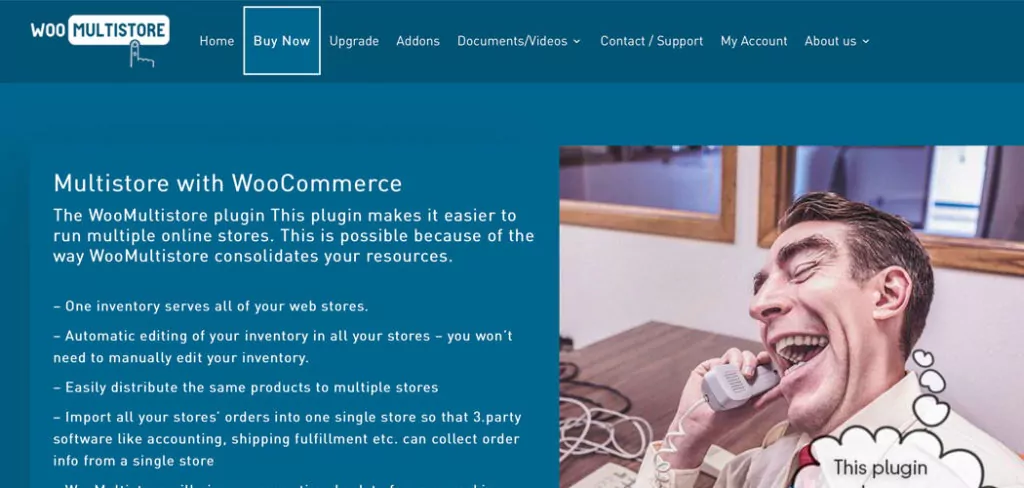
Not only can this plugin sync your network’s inventory, but there are a lot of options for orders.
This plugin also creates one main panel where you can view and manage all orders from your online shops. You can navigate effortlessly through any order.
Not only that, but it’s also possible to export orders quickly to a CSV or XLS file. You can also export all orders or you can pick and choose which ones to process.
Beyond that, you can even import all your orders into a single site. That way, third-party accounting, shipping and similar software can be used.
WooMultistore supports both WordPress Multisite and standalone WordPress installations, and is compatible with WooCommerce HPOS. It remains actively maintained with regular updates.
You can check out WooCommerce Multisite Product Sync Options for WordPress Networks for details on the many other features of the plugin.
2. WP Global Cart (formerly WooCommerce Global Cart)

The main feature of this plugin is to offer a single checkout process for your entire WooCommerce Multisite network. But that’s not all. It also creates a single user interface to manage all orders in your network.
You can even sync all user accounts.
The plugin has been rebranded from WooCommerce Global Cart to WP Global Cart and now includes full compatibility with WooCommerce HPOS. It offers flexible checkout options, including single checkout across the network or per-store checkout, with a split order feature available.
There are more details on this plugin’s capabilities here: 3+ Best WooCommerce Multisite Global Cart Options for WordPress.
3. Veeqo
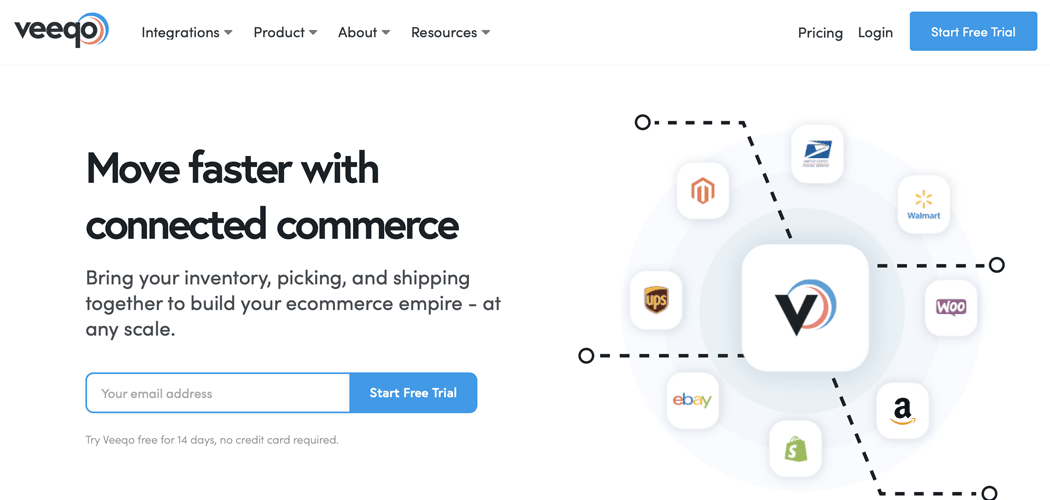
Veeqo is a service where you can view and manage all orders in your network in an external dashboard.
Beyond that, you can bulk ship orders, automate repetitive tasks, access detailed reports and sales forecasts, you can sync your inventory, and more.
Connections to discounted shipping rates are also offered to help you save money while also offering an opportunity to earn more.
Veeqo was acquired by Amazon and is now free for shipping software, with inventory management available from $19 per month. It has expanded beyond the US and UK and now supports sellers globally. Keep in mind that user reviews are mixed, with some reporting sync issues and support challenges, so it’s worth testing thoroughly before committing.
There’s so many features, but one that’s not included is A/B testing to increase conversion rates. But for details, you can feel free to check out How to Increase Conversion Rates for WooCommerce with A/B Testing and 6 Myths of A/B Testing WooCommerce to Increase Conversion Rates.
4. SkyVerge WooCommerce Multisite
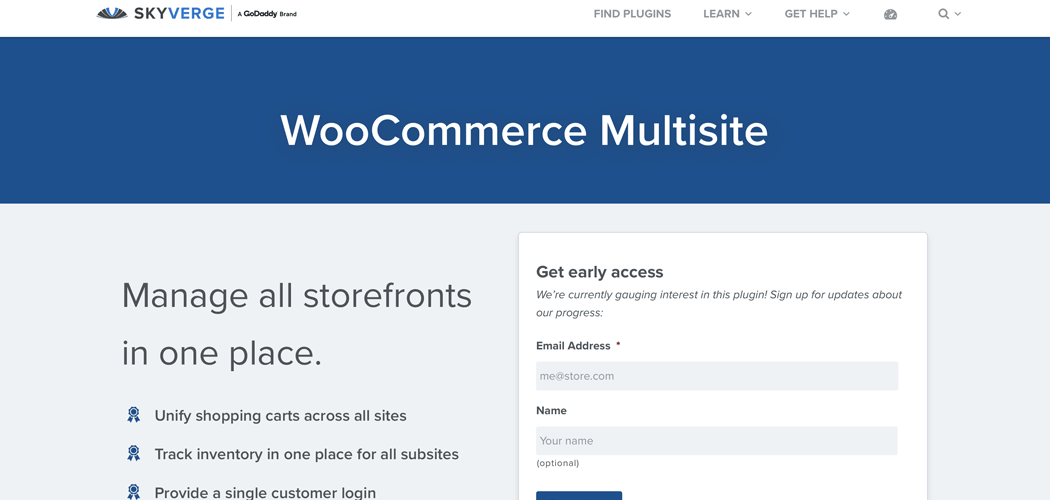
SkyVerge has been gauging interest for this plugin since at least 2021, but as of 2026 it still has not been released. The proposed features include having all the network’s orders displayed in one location as well as a global cart, a unified user list, inventory sync and more.
If these capabilities sound good to you, you can still register your interest on their site, but for now this is not a viable solution if you need order sync immediately.
Setting Up WooCommerce Multisite Order Syncing with Code
If none of the options above are a right fit, it’s time to consider creating your own WooCommerce Multisite order sync capability for your WordPress network.
You can custom code your own plugin to make it happen.
Although, if you’re not familiar with WordPress or WooCommerce development, it’s best to leave it up to professionals. You can hire verified WooCommerce experts to ensure your custom plugin is well-coded and made to your specifications as well.
We’re verified WooCommerce expert developers here at Progressus.io so you can feel free to get in touch with us. Let us know what you want and we can help you out.
WooCommerce Multisite: Order Sync and More
There’s a lot more you can add to your network other than a WooCommerce Multisite order sync feature.
For more on how to sync other similar capabilities, check out these resources:
- WooCommerce Multisite Product Sync Options for WordPress Networks
- 4+ Top WooCommerce Multisite Inventory Sync WordPress Plugins
- Adding a WordPress Multisite User Sync Feature with WooCommerce
- 3+ Best WooCommerce Multisite Global Cart Options for WordPress
- WooCommerce Multi-Currency: How to Add Currencies (to Multisite)
Final Thoughts
Adding a WooCommerce Multisite order sync capability to your WordPress network helps you manage all orders in one place. You won’t have to keep wasting so much time switching between your online stores.
You can choose one of the plugins listed above. If they’re not quite right, then you can custom code your own plugin. Otherwise, you can have one created for you by verified WooCommerce expert developers.
Are you still wondering about adding a WooCommerce Multisite order sync feature on your network? Do you still have questions? Let us know in the comments below.