Skip to content

Updated: July 20, 2026.
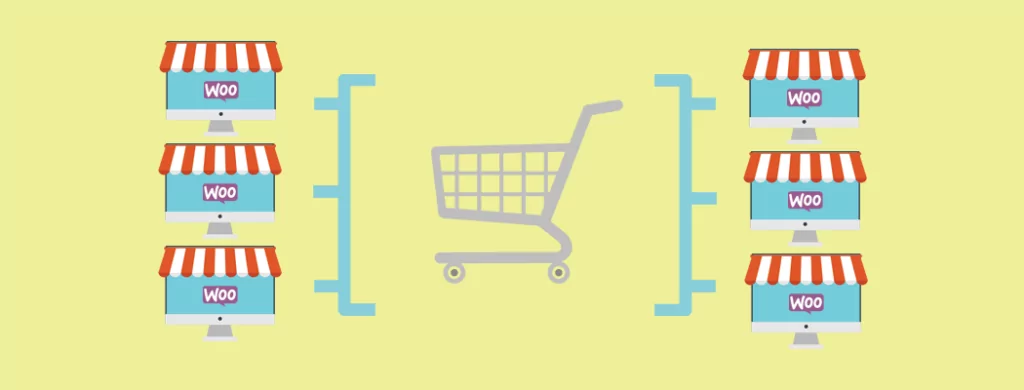
So, you want several online stores and you need to manage it all under one roof. Oh, and customers should be able to shop seamlessly across all the sites with one cart and checkout. No problem! You just need a WooCommerce Multisite global cart setup.
As verified WooCommerce experts, we get asked this all the time and we set them up, too.
What you’re going to need is a WordPress installation, with WooCommerce installed. Then, you need either a WooCommerce Multisite global cart plugin, or you can get it custom coded.
Here’s more detail on WooCommerce Multisite as well as the best ways to get a global cart set up for your network of online stores.
What is WooCommerce Multisite?
Before going straight for the ice cream in the buffet, let’s start with reviewing some groundwork. That way, you’ll have a much easier time choosing the right WooCommerce Multisite global cart option for you.
WordPress is a free software you can use to build websites and blogs. You can self-host by downloading a copy from WordPress.org.
While you can create a hosted version on WordPress.com, be aware you can only install approved plugins if you upgrade to the premium business plan that offers plugin installations.
Multisite is a built-in option in WordPress. It lets you create and operate many sites from a single WordPress installation and database, without compromising on speed or resources out of the box.
WooCommerce is a free plugin that turns your WordPress site into an online store. Or in the case of Multisite, a network of stores.
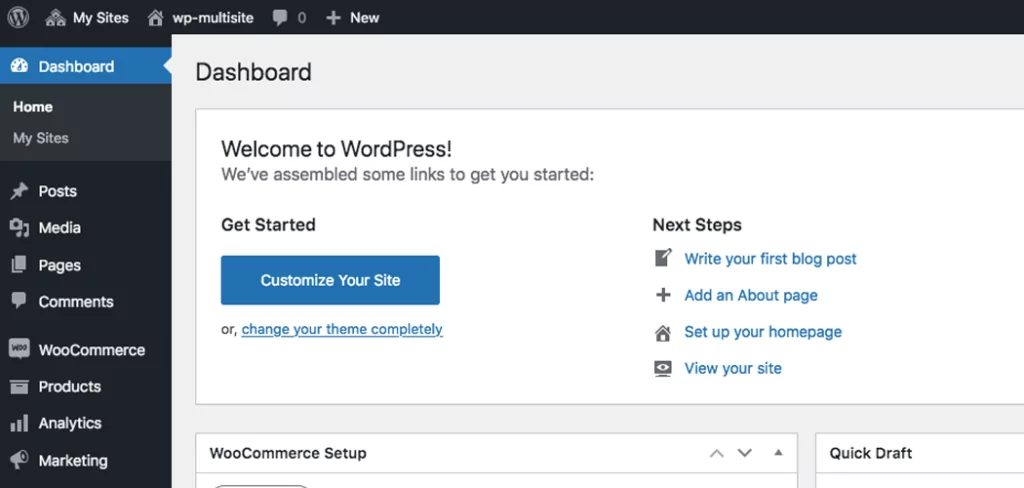
By default, each site in the WordPress or WooCommerce Multisite network works independently.
If you want to sync capabilities between the sites in the Multisite network, you need a plugin or custom code to do it.
For details, check out WordPress Multisite and WooCommerce Multisite: An Overview, What is WooCommerce and Other Burning Questions Answered and How to Set Up and Update WooCommerce Multisite Networks.
When You Would Need This Setup
The WooCommerce Multisite global cart functionality is especially handy if you’re creating a blog network, business intranet or just operating a brand that requires many domains and stores.
Here are some of the main benefits that it provides for your website:
- Customers can shop multiple stores in the network with one shopping cart
- The administrator becomes the super admin to access and edit the entire network
- Centralised updates
- Quick access to all sites from a single dashboard
- Granular control with advanced parameters
Bottom line: if you need to connect multiple WordPress online stores with one shopping cart, then you’re going to need the WooCommerce Multisite global cart functionality.
The Businesses that Need WooCommerce Multisite Global Cart
But, what about the specifics? Just what can you do with WooCommerce Multisite global cart capabilities?
Suppose you have an umbrella brand that’s known for its diverse set of products, services or brands. A good example of this would be something like Disney or Marvel, where there’s merch, movies, a streaming platform – oh gosh, just tonnes of stuff that aren’t necessarily all closely related.
This is where a network of online stores and a global cart comes in handy.
Brands can be separated, as needed, to showcase specific, user-targeted products.
But, it’s not uncommon for a parent, for example, to purchase some Marvel merchandise along with some Winnie the Pooh toys for their kids.
With a global cart, that parent could buy everything they need at one time without having to shop and checkout at multiple stores.
It’s definitely a user-friendly way to help make your brands more cohesive and shoppable.
Although, this isn’t necessarily the only situation where you can use the WooCommerce Multisite global cart capabilities. It’s just the most typical use that we’ve seen as verified expert WooCommerce developers.
WooCommerce Multisite Global Cart Plugin Options
By now, you’re probably set on getting your own WooCommerce Multisite global cart system set up.
So without further ado, here’s a list of great plugins you can install to get started with it.
If you’re looking for similar features, also be sure to check out these other options to expand your stores’ capabilities further:
- WooCommerce Multi-Currency: How to add Currencies (to Multisite)
- WooCommerce Multisite Product Sync Options for WordPress Networks
- 4+ Top WooCommerce Multisite Inventory Sync WordPress Plugins
1. WP Global Cart for WooCommerce
WP Global Cart (formerly WooCommerce Global Cart) provides a unified shopping cart, checkout flow, and customer login across your entire WordPress Multisite network. The plugin is actively maintained with regular updates for compatibility with the latest WooCommerce and WordPress releases.
Having a global cart means that customers can shop on multiple sites in your network and add products from multiple stores to one cart. At the same time, you can customize options for specific products and stores. WP Global Cart has a number of features:
- One cart for your entire network
- Manage everything in the WordPress dashboard
- Works with custom domains, subdomains, or subdirectories
- Lets you set custom options for specific stores and products
- Generates global, highly-detailed reports
- Comes with a global search feature so customers can shop the entire network and find what they need effortlessly
- Sync users from all sites in the network
- Full compatibility with WooCommerce HPOS (High Performance Order Storage)
- Supports both block-based and shortcode-based cart and checkout
- Optional product synchronization across stores
If you need both a global cart and a tool to sync your users, this is a perfect solution. Fewer plugins helps your site run smoothly.
WP Global Cart offers lifetime updates and support with your purchase. It can support your enterprises as you expand your markets and create a stronger network of online stores.
2. WooCommerce Multisite Global Cart by Rudrastyh
A newer but robust option in the global cart space, this plugin from Misha Rudrastyh is actively maintained with excellent support. It’s fully compatible with WooCommerce 8.x through 10.x and works seamlessly with modern WooCommerce features.
Key features include:
- Shared cart and checkout for all or selected stores in your network
- Full HPOS compatibility for optimal performance with modern WooCommerce
- Works with any domain configuration: subfolders, subdomains, or custom domains
- Supports all WooCommerce product types including simple, variable, downloadable, and more
- Full Cart & Checkout Blocks support
- Flexible checkout options: let customers checkout on any store or redirect to a specific store
- Optional product replacement with synced copies using the same SKU
- Works for both logged-in and guest customers
The plugin is available from $59 per year for a single site or $259 per year for unlimited sites with priority support. A lifetime developer license is also available periodically.
3. Honourable Mention: WooCommerce Global Cart GitHub Plugin
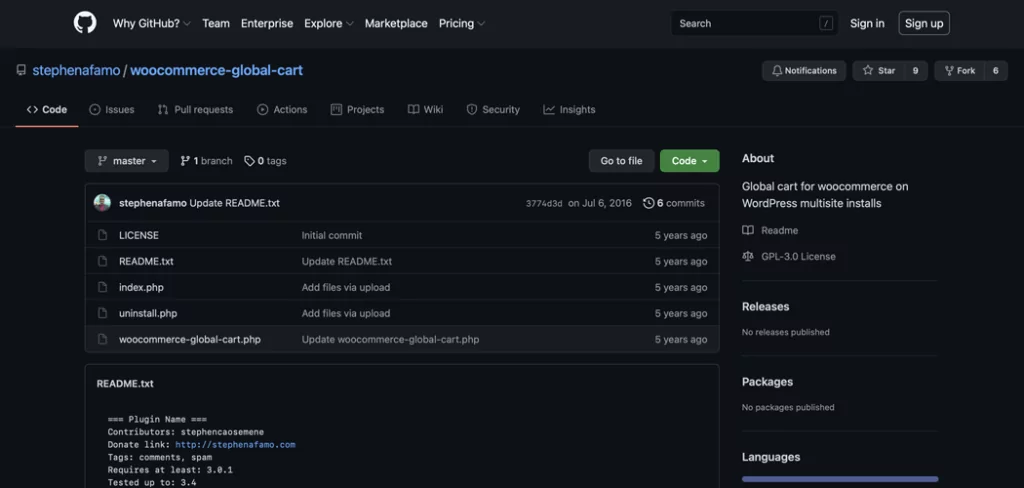
The WooCommerce Global Cart GitHub plugin offers free access to their plugin through GitHub, but it hasn’t been updated since 2016 and is incompatible with modern WooCommerce versions. This option works well for a company that has a developer on hand to craft a partially customized plugin with the bones of this one as a template.
This plugin isn’t recommended for use with a live website until it has been updated or customized by a professional developer. As-is, it’s not recommended because out-of-date plugins are potential security risks and often have vulnerabilities or compatibility issues with current WordPress and WooCommerce versions.
If you’re seeking a developer to design a customised global cart, this plugin code offers a sound basis to create a custom solution.
It may also be important to note that this plugin won’t update like the plugins on WordPress.org. You’ll have to do it manually.
4. WooCommerce Multisite Global Cart with Custom Coding
Unfortunately, there still isn’t a whole heap of reliable options when it comes to WooCommerce Multisite global cart plugins.
If the options above aren’t what you’re looking for, you can custom code your own WooCommerce Multisite global cart features on your website.
But, it’s highly recommended that you hire a professional developer for such a job since this kind of project can get really complex. Modern WooCommerce with HPOS, Cart and Checkout Blocks, and the WooCommerce 10.x architecture requires specialized knowledge to integrate with properly.
If you are struggling to find a suitable solution or a professional developer, we’re here to help since we’re verified WooCommerce experts, after all.
Going Past WooCommerce Multisite Global Cart Features
Besides WooCommerce Multisite global cart capabilities, there are other similar functionalities that you may end up needing.
For example, being able to have multiple currencies and syncing products and inventory across your WordPress Multisite network.
For details, check out these other resources:
- WooCommerce Multi-Currency: How to add Currencies (to Multisite)
- WooCommerce Multisite Product Sync Options for WordPress Networks
- 4+ Top WooCommerce Multisite Inventory Sync WordPress Plugins
Summing It All Up
Adding WooCommerce Multisite global cart features to your network of WordPress sites means all your shops can be connected by a single shopping cart. That way, your customers can shop all the online stores you have and buy products from all of them without having to go through checkout more than once.
All the plugins mentioned above are great options with similar functionalities. The biggest thing that sets them apart is pricing and maintenance status. WP Global Cart offers a lifetime purchase model, while Rudrastyh’s solution uses an annual subscription. This is something to pay close attention to when deciding which route to take.
If none of these are quite right, you can custom code your own WooCommerce Multisite global cart plugin and if you want, we can help with that.
At the end of the day, choose the option that makes sense for your specific situation since every site and network is different.
Have you chosen the WooCommerce Multisite global cart option that’s the best fit for you? Are you still unsure? Let us know in the comments below.